 FamilyDeckOfCard.com
For families and caregivers
When someone you love is living with memory loss, a familiar face in a photo can open the door to a story, a smile, or a quiet moment together.
Tips for using the deck with a loved one
- Keep sessions short — about 10 to 15 minutes.
- Choose a calm time of day, when they are rested.
- Sit beside them, not across from them.
- Let them lead. Follow the stories they want to tell.
- Never correct or pressure. Celebrate whatever they remember.
- It’s fine to stop early. End while it still feels good.
- Repeat favorite cards often — familiar is comforting.
How to add photos
On iPhone
- Open Family Deck and tap My Deck.
- Tap + Add lots of photos.
- Choose Photo Library, pick one or many photos, then tap Add.
- Type the person’s name and a short story, then tap Add card.
On Android
- Open Family Deck and tap My Deck.
- Tap + Add lots of photos.
- Choose Photos or Gallery, pick one or many photos, then tap Done.
- Type the person’s name and a short story, then tap Add card.
How to keep decks private
- Your photos stay only on your phone. There is no account and no cloud.
- Install the app on your home screen — it helps protect your photos from being cleared by the browser.
- Use the monthly backup reminder to save a copy of your deck.
- Only share deck files with family you trust.
- Family Deck has no built-in AI. Your photos never leave your phone. If you choose “Polish with Claude”, your words go to your own Claude account, not to us.
How to share a deck with another caregiver
- Open My Deck and tap Share this deck.
- Give it a name, like “Mom’s Deck”, and tap Share.
- Choose how to send it — email, AirDrop, WhatsApp or a text message.
- The other caregiver opens My Deck, taps Import a deck, and picks the file.
The file goes straight from your phone to theirs. Nothing is uploaded to us.
Learn more about Alzheimer’s
- Watch our video — see how one photograph becomes a journey through memory.
- Take the Alzheimer’s Awareness Quiz — gentle questions and facts about memory loss.
Short videos about Alzheimer’s
11 one-minute videos. They play one after another automatically — tap Stop to pause the series.
Step 1 — Understanding dementia
Step 2 — Risk and testing
Step 3 — Treatment
These videos are for education only and are not medical advice. Please talk with your doctor about your own situation.
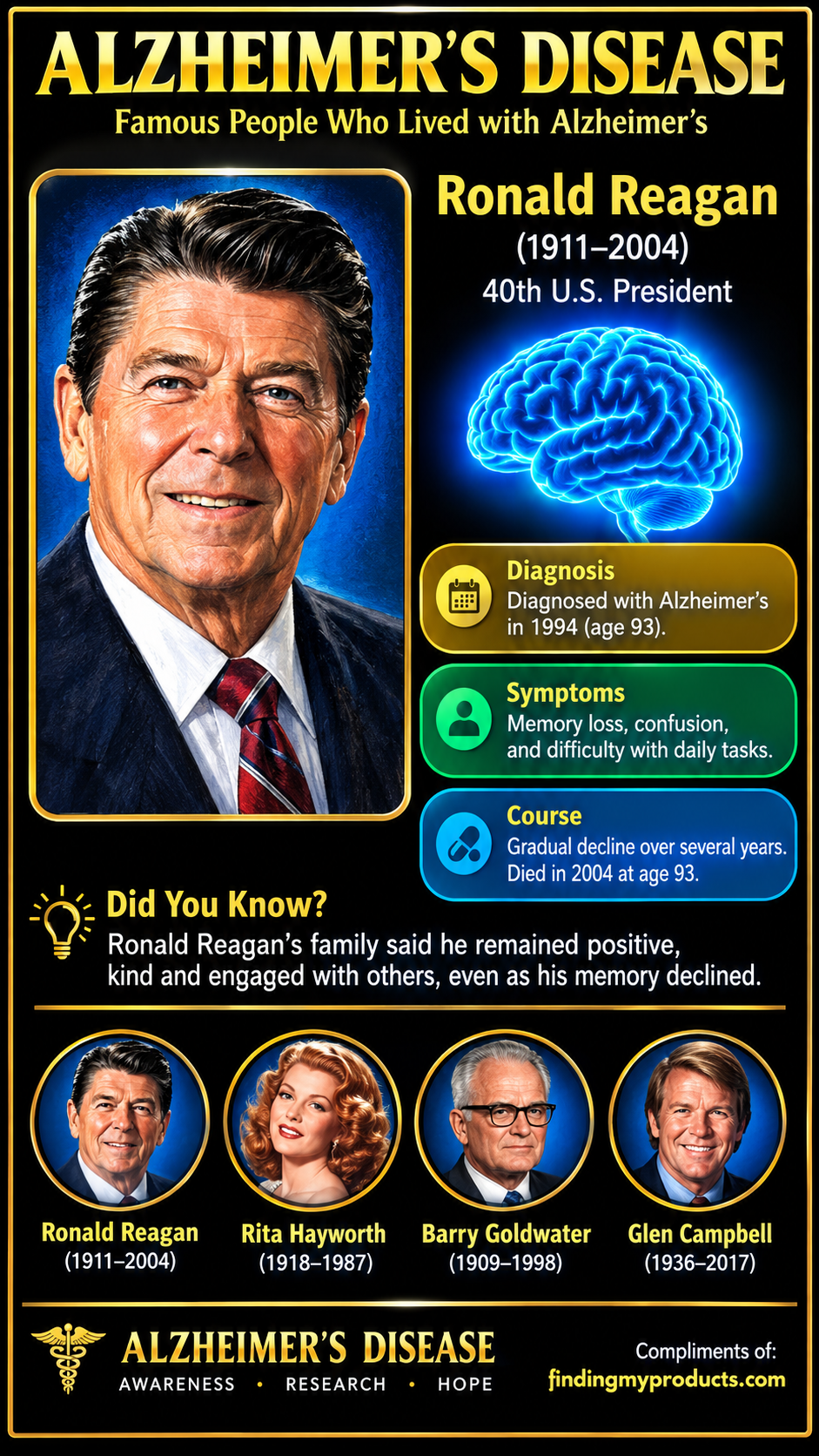
These awareness posters show well-known people who lived with Alzheimer’s disease — shared to remind us that memory loss touches all kinds of families.

Family Deck of Cards is a reminiscence and conversation activity, not a medical treatment. Talk with your loved one’s doctor about any health concerns. See the Medical Disclaimer.